Your TV can rice now too. Marco Porro announced OmarchyTV on X on October 22: an Omarchy-style launcher for Android TV with themes, a Waybar-style bar, live stats and a terminal-style screensaver. It’s an unofficial fan project, not affiliated with or endorsed by the Omarchy project, and it’s beta software.
What you get
- The Omarchy look on the big screen: Hyprland-style windows, a Waybar-style top bar, Walker-style menus and the CaskaydiaMono font.
- Five workspaces like Hyprland (home, TV, apps, PC and system), switched with number keys or the bar.
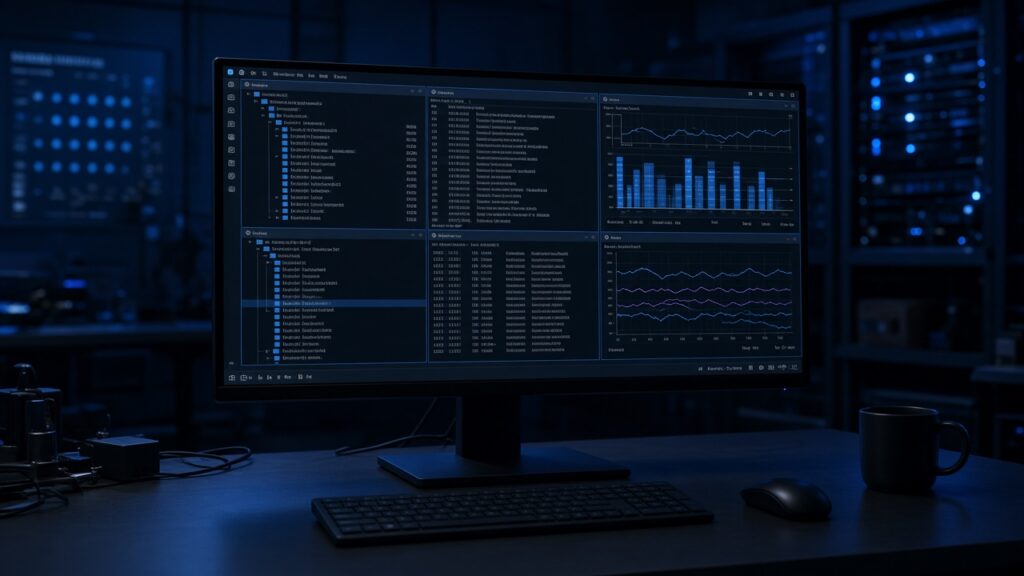
- All 23 Omarchy themes with their wordmark backgrounds, or your own images, plus panels for the clock, weather, PC stats and a terminal that you place on a grid with the remote.
- A screensaver with 37 effects from tte.js and TerminalTextEffects, which can also act as the system screensaver.
- MIT licensed and built on tv-vibehack by Gathin. The project lives on GitLab for now because Marco’s GitHub account “is still stuck in review.”
The PC side
- An optional
omarchy-tvplugin andomarchy-linkpair with the TV using a 6-digit code shown on screen (SPAKE2), and the link stays on your local network. - Your active Omarchy theme follows you to the TV, you can push custom themes and backgrounds, and you can stream your desktop to the TV as a low-latency H.264 stream.
- It also works as a remote, and it can update the APK over adb. That updater refuses any APK with a different certificate or a lower version.
Safety and status
- Every feature is off by default except the animated Omarchy logo, and cast to TV is opt-in.
- The debloat helper only disables apps for the user and never uninstalls anything or touches DNS. A one-press “Originale” switch takes you back to the stock launcher.
- The README warns that things may not work. So far it has been tested on one real TV (a 2017 Sony) plus the Android TV emulator, and the author is asking owners to file a “TV report.”
- Version 2.10.2-beta is mostly about the wallpaper: “Liftoff Sunset” by Tom Ballard, used with his permission, is the new default Tokyo Night background.
Review before you install. This is brand-new, unofficial, third-party software that was first published this week. Installing it means turning on developer options and network debugging on your TV and sideloading an APK. Read the README and the source, check the release’s certificate, and install it only if you’re comfortable with that. Turn network debugging back off when you’re done.
My take
I love the idea, and the careful defaults are a good sign. But a one-week-old sideloaded launcher with debugging enabled on a device in your living room deserves caution. I’d wait for a few more TV reports before I put it on anything I care about.
Have a blessed day! And Happy Hacking!